
Key Takeaways: Apple’s Mac Security Overhaul for the AI Era
- Enhanced User Control:Apple is introducing more granular permission settings and increased transparency indicators for macOS, giving users unprecedented control over how AI agents and other apps access their data.
- Addressing AI Risks:The changes directly tackle privacy and security concerns raised by the proliferation of AI agents demanding “full disk access,” aiming to protect sensitive user data from potential misuse or breaches.
- Developer Adaptability Required:App developers must revise their onboarding processes and adapt their applications to gracefully handle limited access, with specific “entitlements” available for essential functionalities like backup and assistive technologies.
In a significant move to safeguard user data amidst the rapid ascent of AI agents, Apple has officially rolled out comprehensive changes to Mac security controls. As hinted last month, these revisions directly address the escalating demand from AI applications for “full disk access” – a privilege that, if unchecked, could expose a user’s entire digital life to unforeseen risks.
“Before granting an app such extraordinary access, users should understand that it puts all of the data on their Mac at risk,” Apple underscored in a recent blog post directed at its developer community. This stark warning highlights the Cupertino giant’s growing concern over the privacy implications of a new generation of AI tools.
The Double-Edged Sword of AI Agents on Mac
Unlike their more familiar chatbot cousins, AI agents operate directly on a user’s device, capable of executing actions across the operating system, interacting with files, and leveraging other applications on behalf of the user. While promising immense productivity gains and innovative functionalities, this autonomy presents a substantial security conundrum. The very nature of their utility — acting as digital personal assistants — necessitates deep system access, which in turn creates vast attack surfaces if not meticulously managed.
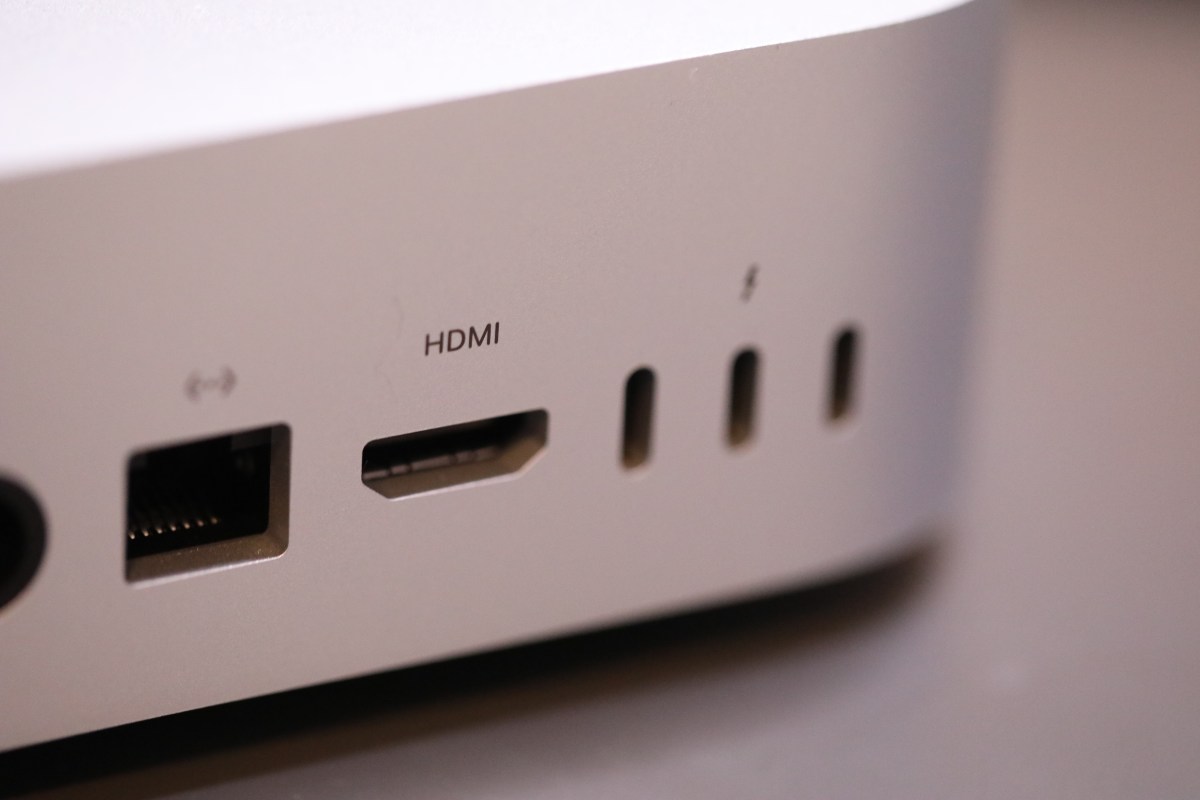
Apple finds itself navigating a nuanced landscape. On one hand, the company has observed a surge in sales of Mac minis and Mac Studio computers, often purchased by early AI adopters eager to run powerful local AI models. This adoption fuels Apple’s hardware business. On the other hand, the potential for data misuse by these same AI tools poses a direct threat to Apple’s long-standing commitment to user privacy – a cornerstone of its brand identity. Balancing these competing interests has been a delicate act, culminating in the security revisions announced.
Incidents That Spurred Action
The path to these security enhancements was not without incident. Apple’s October announcement of impending changes followed two particularly notable events that underscored the urgency of the situation. In one instance, a journalist publicly claimed that Meta’s Muse app had allegedly accessed and read their private messages without explicit consent, sparking widespread alarm over the reach of AI tools. Separately, a report from Wired detailed a critical flaw within ChatGPT’s Mac application that could have potentially allowed malicious actors to gain unauthorized access to sensitive user data. These high-profile incidents served as potent reminders that the current security framework needed an immediate and robust upgrade.
Apple’s Multi-Faceted Security Reinforcement
Apple’s response arrives with macOS 27.3, introducing a suite of changes designed to offer more clarity, control, and visibility to users. The overarching goal is to transform what was once a binary “allow” or “deny” decision into a more informed and nuanced interaction.
A fundamental revision involves the separation of existing security settings. “Device Control” and “Data Access” are now distinct categories, renamed asSystem & App Protection OverrideandAccessibility. This split is crucial, as it helps users understand that selecting the “System & App Protection Override” option is not merely granting a permission, but actively bypassing built-in security protections. This rephrasing aims to impress upon users the gravity of such a decision.
To simplify the user experience while enhancing security, Apple is also introducing a single, streamlined method for granting permissions. Users will now select the requested app directly from a curated list, making the process more intuitive and less prone to accidental misconfigurations. Alongside this, new guidance will actively encourage users to grant access only to the precise applications that genuinely require it when enabling the “System & App Protection Override” setting. Similar, explicit guidance will now accompany requests for “Full Disk Access,” prompting users to consider carefully before allowing an app unfettered access to their folders.
Transparency is another key pillar of these updates. The company will now provide users with “increased visibility into the wide range of data apps will receive access to or control over if full permissions are granted,” as detailed in their developer blog. This means users will have a clearer picture of the potential scope of data exposure before making a decision.
Perhaps one of the most empowering new features is the ability for users to configure their apps to ask for permission *every time* access is needed. While this might introduce a degree of tedium and potentially interrupt the seamless automation AI agents promise, it offers an invaluable layer of granular control. This “ask every time” option allows users to experiment with local AI models and agents without granting them “carte blanche” access, providing a crucial safety net for those who wish to maintain tight oversight.
Rounding out these enhancements is a new transparency indicator. This visual cue will appear whenever one app is controlling another via the “System & App Protection Override” option, ensuring users are always aware when such powerful interactions are occurring in the background.
Implications for Users and Developers
Crucially, these changes, arriving with macOS 27.3, do not aim to prevent Mac users from installing and running AI agents or other applications that demand higher levels of access. Instead, Apple’s strategy is to empower users with more nuanced options, greater control, and comprehensive information about the choices they are making. It shifts the burden of security from an opaque system to an informed user.
For app developers, these updates necessitate a proactive approach. Apple advises them to adjust their onboarding processes to clearly account for the new security paradigm. More importantly, developers are encouraged to design their applications to “gracefully handle having access to only a limited set of folders or apps.” This paradigm shift means apps should ideally function well even without blanket “full disk access.”
Recognizing that certain legitimate functionalities genuinely require broad access, Apple has also carved out exceptions. Developers of applications that historically requested “Full Disk Access” for critical tasks like disk backup utilities or assistive technologies can request specific “entitlements.” These entitlements will allow them to preserve the same level of functionality they offered prior to the macOS 27.3 update, ensuring essential apps continue to operate without undue hindrance.
Bottom Line
Apple’s latest macOS security enhancements represent a pivotal moment in the intersection of artificial intelligence and personal computing. By introducing more transparent, granular controls and educating users on the risks, Apple is reaffirming its commitment to privacy in an increasingly AI-driven world. This move not only protects Mac users from the potential pitfalls of emergent AI agents but also sets a higher standard for the entire industry, challenging developers to innovate responsibly while empowering users to dictate the terms of their digital autonomy. It’s a strategic fortification that could well define the trust factor for AI adoption on personal devices moving forward.
When you purchase through links in our articles, we may earn a small commission. This doesn’t affect our editorial independence.
{content}
Source:{feed_title}